How The Well connects its POS with Hacienda
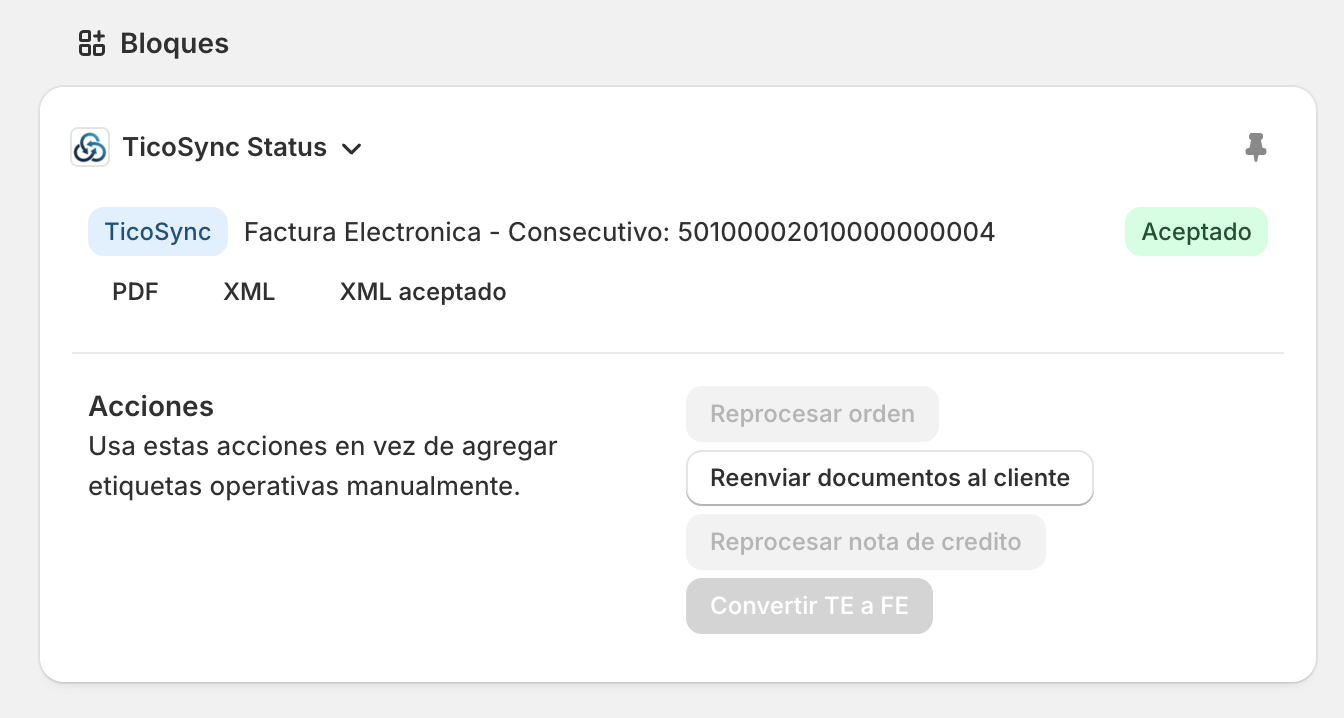
The Well uses Shopify and TicoSync to keep its clinic checkout, 4% VAT and card-payment VAT returns connected to the electronic document.
The right amount at checkout. A clear fiscal record.
ONE SERVICE · TWO PAYMENT METHODS
| Detail | Cash | Card |
|---|---|---|
| Service before VAT | ₡100.000 | ₡100.000 |
| Calculated VAT (4%) | ₡4.000 | ₡4.000 |
| VAT returned | ₡0 | ₡4.000 |
| Amount charged | ₡104.000 | ₡100.000 |
4% calculated. Returned when applicable.
For qualifying private health services paid by credit or debit card, Hacienda requires the VAT to be returned at the time of payment. The tax and its return are both recorded.
In this example, the same ₡100,000 service produces a ₡104,000 cash payment or a ₡100,000 card payment after the ₡4,000 VAT return.
How the integration works: order metadata, validation and credit notes
The requirement: record the tax and its return
Costa Rica applies a reduced 4% VAT rate to qualifying private human-health services. Hacienda explains that, when the consumer pays for those services by credit or debit card, the provider returns the VAT at the time of payment. This is called devolución del IVA.
The Well’s workflow therefore keeps the calculated VAT and returned VAT as separate amounts. The amount charged to the card can exclude the returned VAT while the fiscal document still records both.
How the workflow connects
1. Calculate the checkout total
The Well’s POS requests a tax calculation from Shopify. Its catalog configuration identifies items eligible for the VAT-return flow, and the selected payment method determines whether that flow applies. Eligible and standard-tax items are handled separately when a cart contains both.
2. Keep payment details with the order
The POS saves structured order metadata in Shopify: payment method, fiscal payment code, calculated VAT, returned VAT, total before the return and final document total. Staff can also see a VAT-return note on the order.
3. Build the fiscal document
TicoSync reads the order’s payment context and calculates line taxes using CABYS tax data. Before generating the invoice or electronic ticket, it checks that a requested VAT return uses the card payment code and does not exceed the calculated 4% service VAT beyond the rounding tolerance.
4. Keep tax, return and payment visible
The fiscal XML records the calculated tax, the returned VAT and the resulting total separately. The PDF also displays the returned VAT. The cashier uses the resulting amount for the external card-terminal charge.
What travels in the order metadata
The connection uses the JSON order metafield hacienda.payment_context. It carries the fiscal payment code and amounts rather than relying on the order’s display name or a manually interpreted note. TicoSync also supports the older well_pos_hacienda order attribute for historical orders.
In the electronic document, TotalImpuesto records the calculated tax, TotalIVADevuelto records the returned VAT, and TotalComprobante reflects the resulting amount. Cash uses payment code 01; the card flow uses 02.
Keeping corrections connected
When a sale is corrected with a credit note, TicoSync reads the original payment context and recalculates the VAT return for the refunded qualifying lines. This supports full and partial refunds while retaining the link to the original fiscal document. Returning the money through the external payment method remains a separate operational step.
This case describes The Well’s configured workflow for qualifying services. Each business must establish the applicable tax treatment and catalog configuration for what it sells.
